
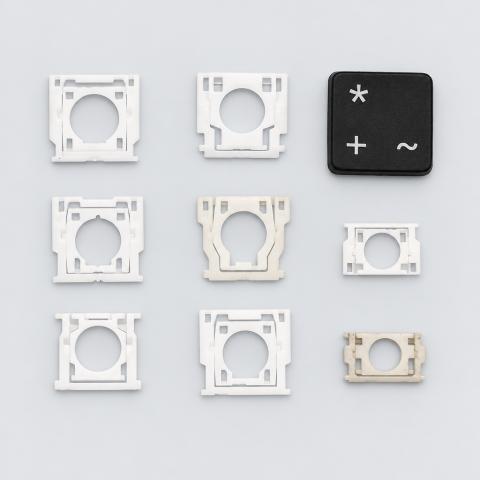
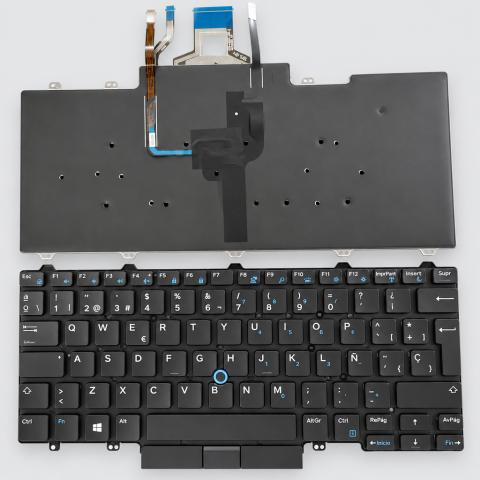
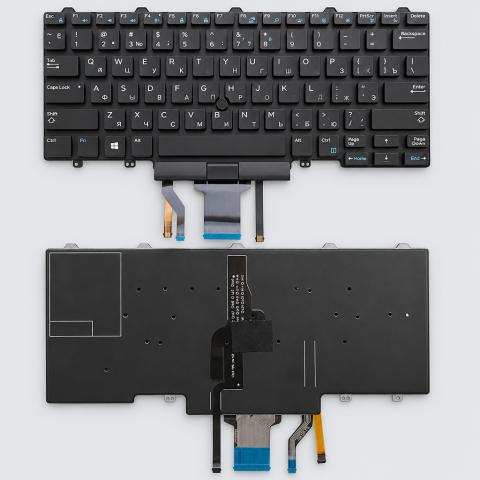
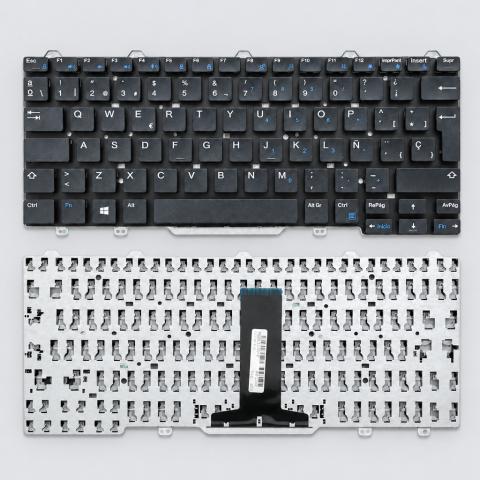
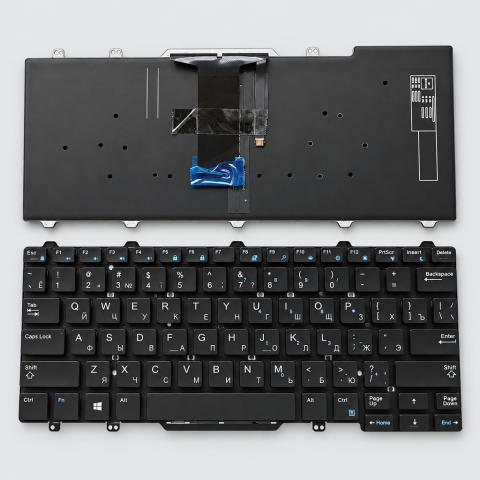
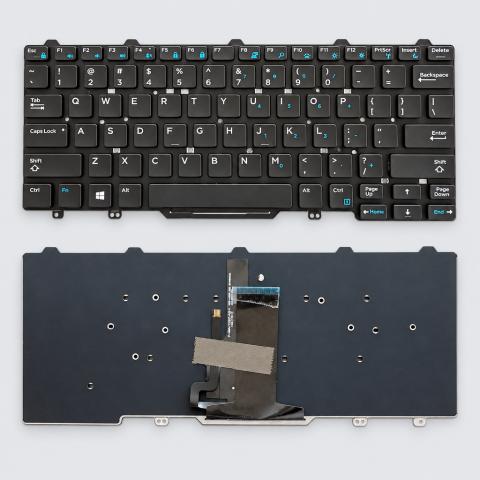
US Keyboard compatible with Dell E7450, E7470, Latitude 3340, Latitude 3350, Latitude 5480, Latitude 5488, Latitude 5490, Latitude 7480, Latitude 7490
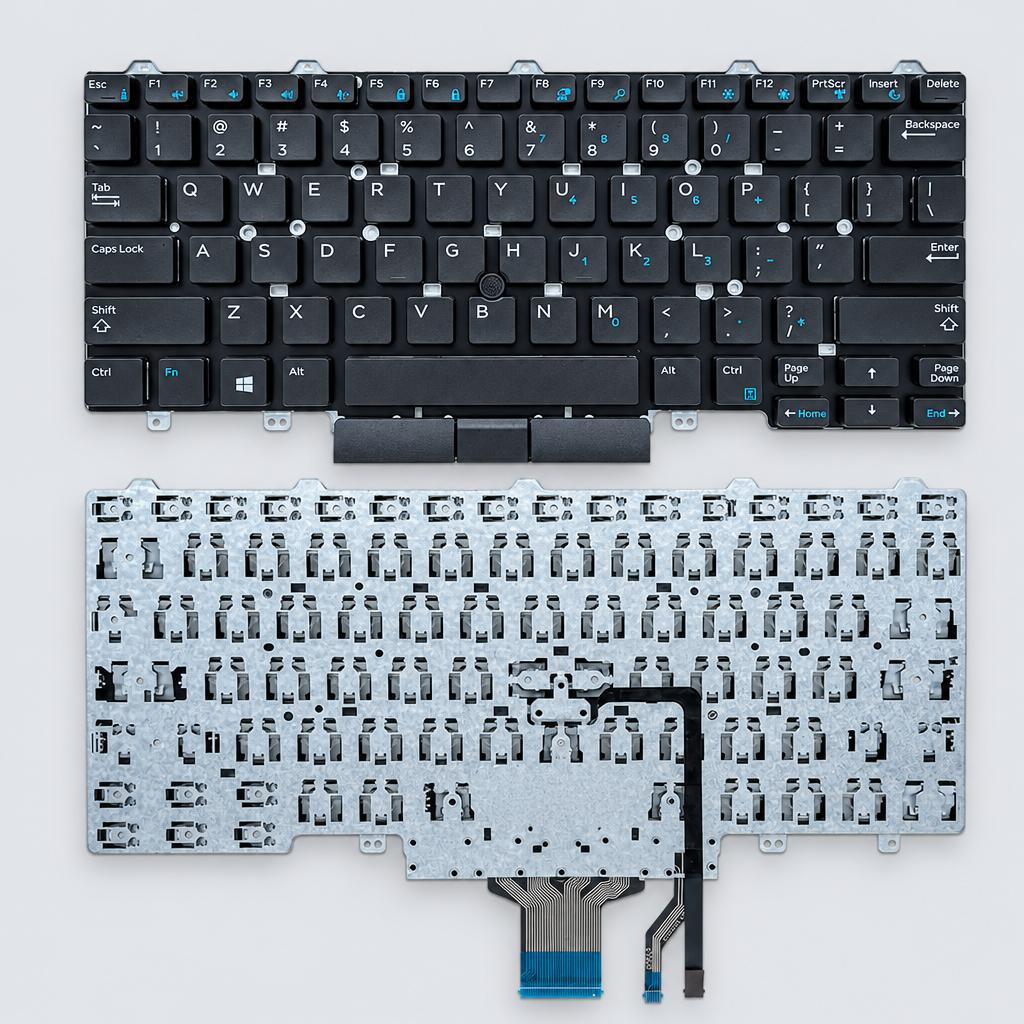
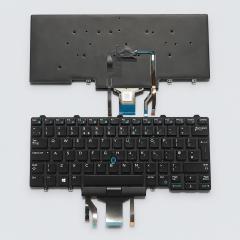
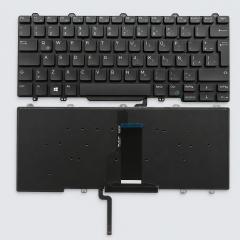
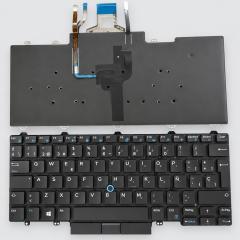
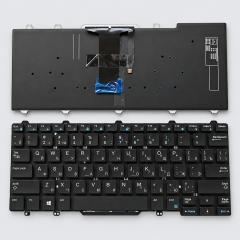
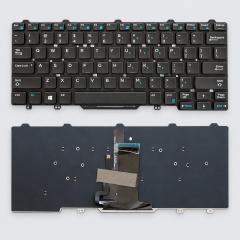
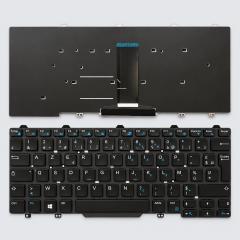
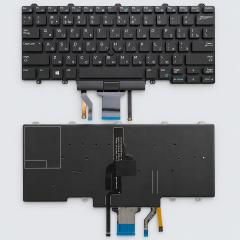
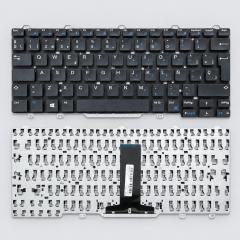
Replacement US standard laptop keyboard without backlit functionality.
Key facts
- Part type
- Laptop Keyboard
- Type
- Aftermarket replacement
Compatibility matrix
Only models verified by our team are listed| Parts for | Model | This part |
|---|---|---|
| Dell | Dell Latitude 7480 | Fits |
| Dell Latitude 7490 | Fits | |
| Dell Latitude 5480 | Fits | |
| Dell Latitude 3350 | Fits | |
| Dell E7470 | Fits | |
| Dell Latitude 5490 | Fits | |
| Dell Latitude 5488 | Fits | |
| Dell Latitude 3340 | Fits | |
| Dell E7450 | Fits |
Only the models listed above have a confirmed catalog fit. If yours is absent, compatibility is unknown, not ruled out. Compare the exact model identifier and any published dimensions or connectors before ordering.
Where to find your model number
- Dell: Usually on the rating label under or on the back of the device. Your owner's manual also lists the model number.
General manufacturer guidance: exact label position can vary by model.
Laptop Keyboard specifications
- Standard
- US Standard
Installation guide - Replacing a laptop keyboard
General guidance for this part type - always follow your device manual- Small Phillips screwdriver
- Plastic opening pick
- Plastic spudger
- Check the layout before fitting: US keyboards have a wide, single row Enter key.
- A key that does not respond usually means the ribbon is not fully inserted under its lock.
- 1Prepare and open. Shut the laptop down fully (not sleep) and unplug the charger. Remove every screw from the bottom cover, including any under rubber feet or labels, then release the clips with a plastic pick starting at a corner near the hinge.
- 2Disconnect the battery first. Unplug the battery connector from the board by pulling the plug body straight out, parallel to the board, never by its wires.
- 3Find how the keyboard is held. Some lift out from the top after releasing clips along its top edge (often after removing a screw marked with a keyboard symbol underneath). On many recent laptops it is riveted into the palmrest, and the keyboard is swapped by removing the whole top case.
- 4Swap the ribbon cables. Flip up the small lock on each connector, slide the cable out, then slide the new cable in straight and fully before closing the lock. Backlit keyboards have a second, separate cable.
- 5Test before closing. Reconnect the battery and test every key and the backlight with an online keyboard tester before refitting the bottom cover.
This is general guidance for the part type, not a model-specific procedure. If the part does not fit without force, stop and recheck compatibility.
More parts for Dell E7450
See all Dell E7450 parts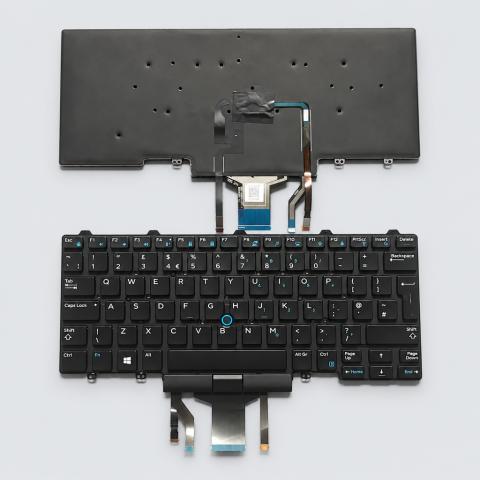 FP-214E7A
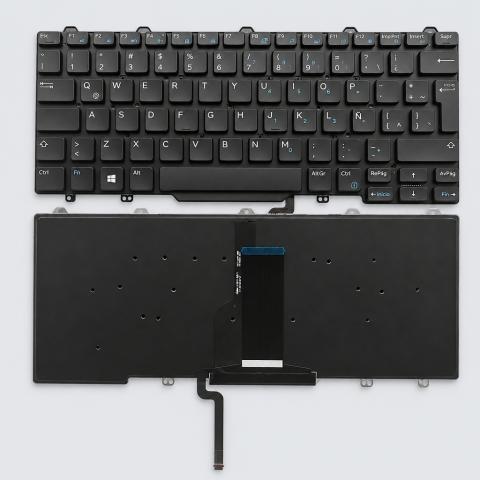 FP-2FB5B9
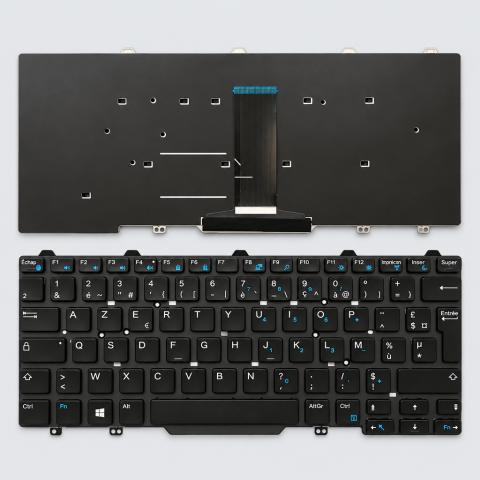 FP-3CDAE9
 FP-4E4E82
 FP-827D49
 FP-91DC62
 FP-BE48F1
 FP-F32D8F
12 month warranty on every part
Every part we sell is covered for 12 months from delivery. If it fails in normal use, we replace it or refund you , claim it straight from your order page.
Customer reviews
No reviews yet
Bought this part? Be the first to share how it fit and how it held up.
Questions & answers
+Which models does this laptop keyboard fit?
Our team verified it for Dell Latitude 7480, Dell Latitude 7490, Dell Latitude 5480, Dell Latitude 3350, Dell E7470, Dell Latitude 5490 and 3 more. The full list is in the compatibility table above.
+How do I make sure it fits my exact model?
Find the model number on your device label and compare it with the table above. Our fit guarantee covers verified models.
+Is it hard to install?
Install difficulty: Advanced · mechanical experience needed. Step by step instructions are on this page.
+How fast will it arrive?
US orders arrive in 7 to 15 business days with free shipping. Other countries are shown at checkout.
+Is there a warranty?
Yes, a 12-month warranty is included, and you can extend it at checkout. Returns are accepted within 30 days.