
Power Button Side Key Flex Cable compatible with Samsung A145P
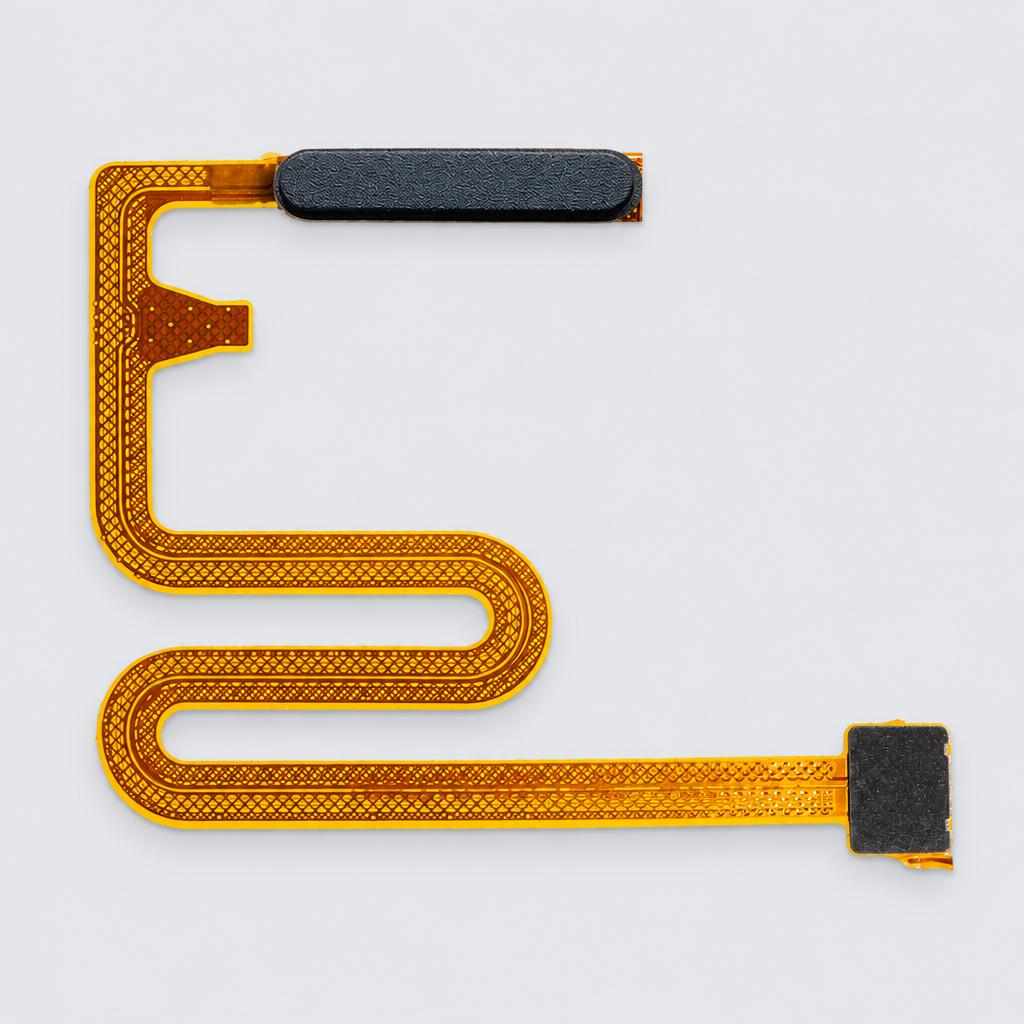
It is a black variant intended to replace broken or non-functional side keys. Please note that this part does not include fingerprint sensor functionality.
Key facts
- Part type
- Power Button Flex Cable
- Type
- Aftermarket replacement
Compatibility matrix
Only models verified by our team are listed| Parts for | Model | This part |
|---|---|---|
| Samsung | Samsung A145P | Fits |
Only the models listed above have a confirmed catalog fit. If yours is absent, compatibility is unknown, not ruled out. Compare the exact model identifier and any published dimensions or connectors before ordering.
Where to find your model number
- Samsung: On the label inside the door, on the side wall, or on the back of the appliance.
General manufacturer guidance: exact label position can vary by model.
Power Button Flex Cable specifications
- Color
- Black
- Function
- Power / Volume Buttons
- Note
- No Fingerprint Function
- Design
- Bar
Installation guide - Replacing an internal phone part
General guidance for this part type - always follow your device manual- Suction cup, opening picks and heat
- Precision screwdrivers
- Plastic spudger and tweezers
- New screen or back adhesive
- Many charging port flex cables also carry the microphones; make a test call before sealing the phone.
- Lay screws out on paper in the order they came out. Phone and laptop screws differ in length, and a long screw in the wrong hole can damage the board underneath.
- Never press a connector that is not lined up; bent pins are hard to repair.
- 1Open the phone. Switch it off with the battery below about 25%. iPhones open from the screen side, most Android phones from the back glass. Heat the edge, lift with a suction cup and cut the adhesive with a shallow pick.
- 2Disconnect the battery first. Remove the bracket over the battery connector and lift it with a plastic spudger before you unplug any other cable.
- 3Reach the part. Photograph each layer as you go. Remove the brackets and parts above it; a charging port flex often sits under the loudspeaker and vibration motor, and on many Android phones the port is a small board at the bottom under a plastic cover.
- 4Swap the part. Lift press fit connectors straight up with the spudger. Glued flex cables: warm them and peel slowly. Move rubber gaskets, mesh and brackets from the old part, and lay the new flex along the same path without sharp folds.
- 5Reconnect and test. Align each connector before pressing it down until it clicks, reconnect the battery last and test the part (charging, call audio, speaker, microphone, camera or buttons) before closing.
This is general guidance for the part type, not a model-specific procedure. If the part does not fit without force, stop and recheck compatibility.
More parts for Samsung A145P
See all Samsung A145P parts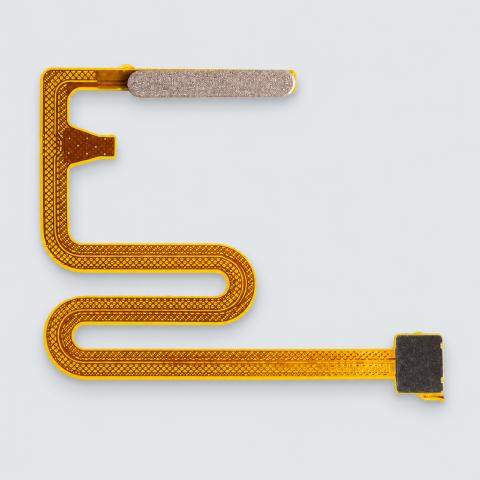
12 month warranty on every part
Every part we sell is covered for 12 months from delivery. If it fails in normal use, we replace it or refund you , claim it straight from your order page.
Customer reviews
No reviews yet
Bought this part? Be the first to share how it fit and how it held up.
Questions & answers
+Which models does this power button flex cable fit?
Our team verified it for Samsung A145P. The full list is in the compatibility table above.
+How do I make sure it fits my exact model?
Find the model number on your device label and compare it with the table above. Our fit guarantee covers verified models.
+Is it hard to install?
Install difficulty: Moderate · basic hand tools. Step by step instructions are on this page.
+How fast will it arrive?
US orders arrive in 7 to 15 business days with free shipping. Other countries are shown at checkout.
+Is there a warranty?
Yes, a 12-month warranty is included, and you can extend it at checkout. Returns are accepted within 30 days.