
Main Brush, Side & HEPA Filter Kit for Roborock S7 MaxV Ultra & Pro compatible with Roborock S7 MaxV, S7 MaxV Ultra, S7 Pro Ultra
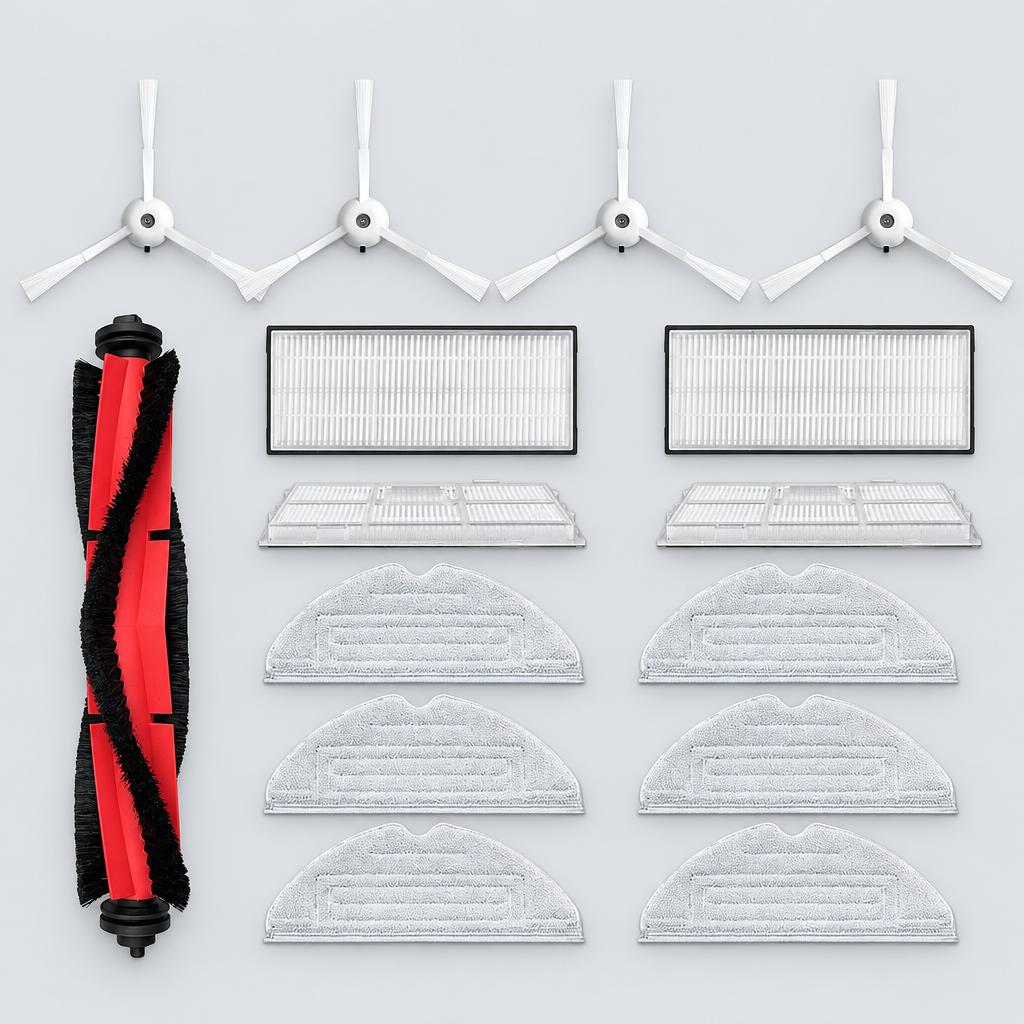
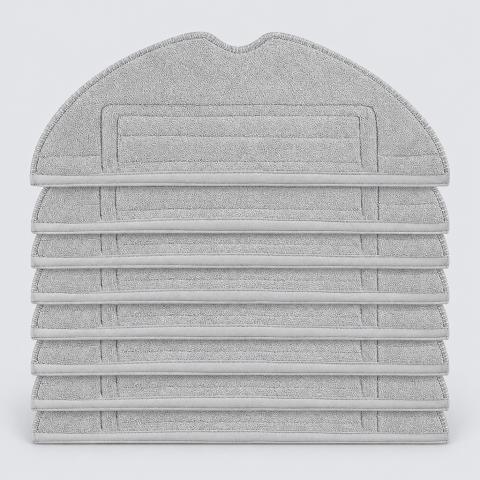
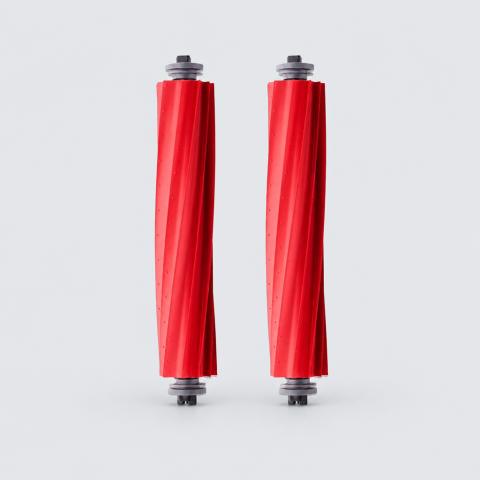
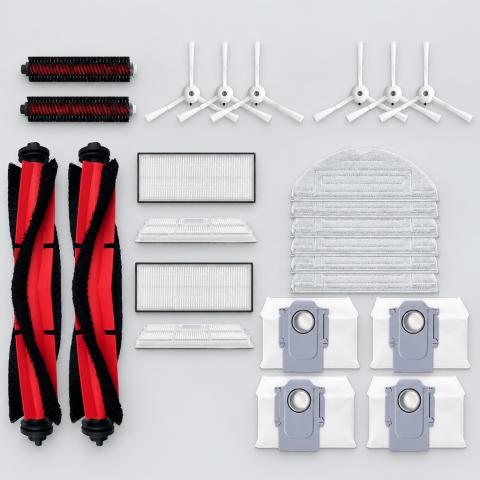
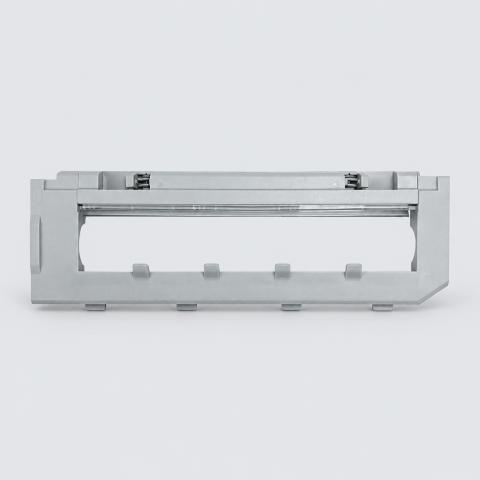
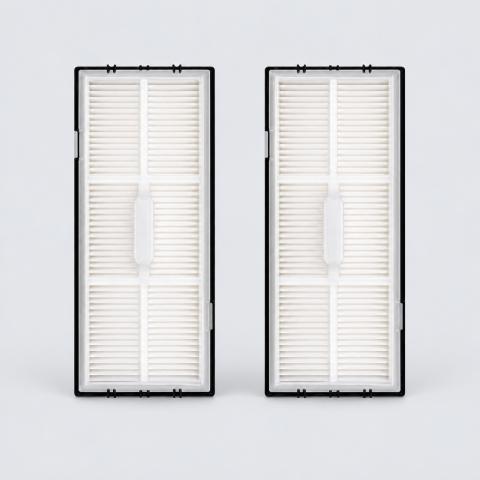
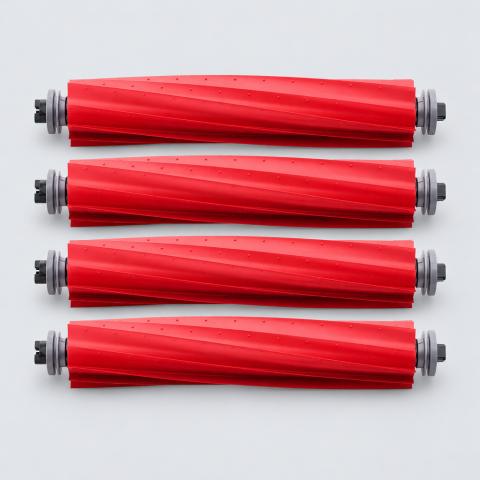
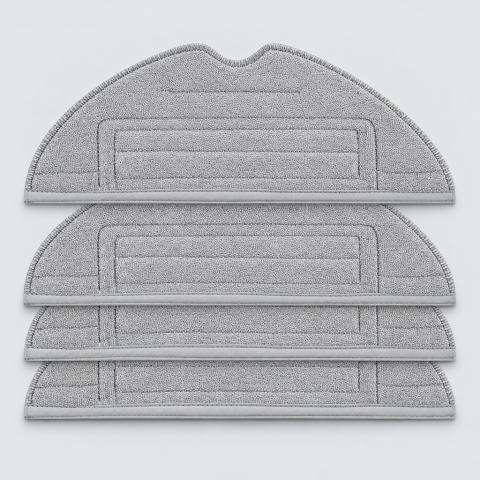
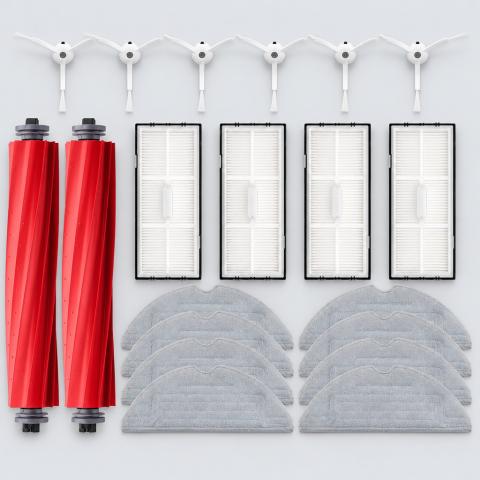
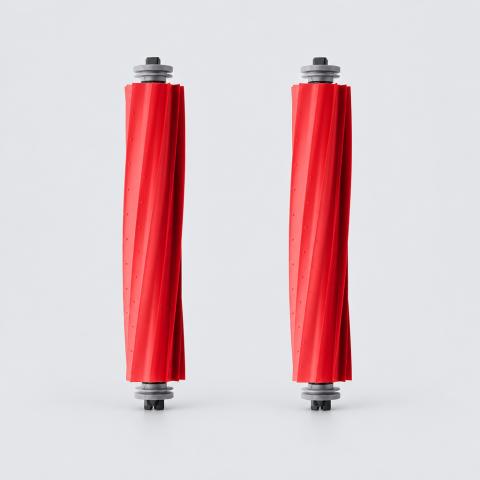
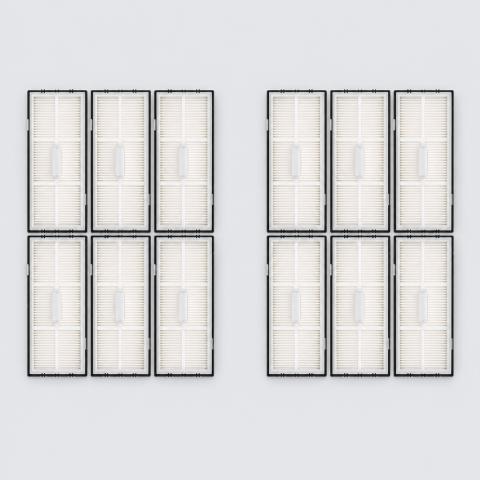
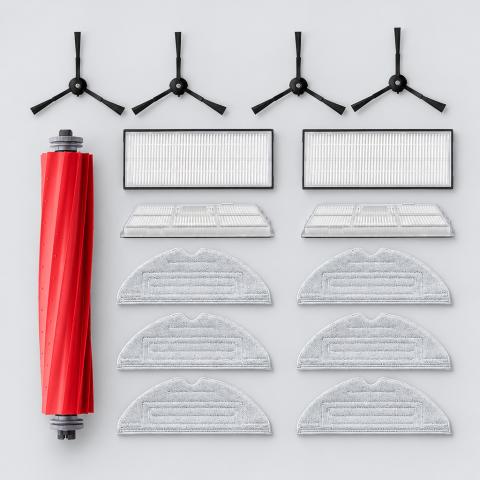
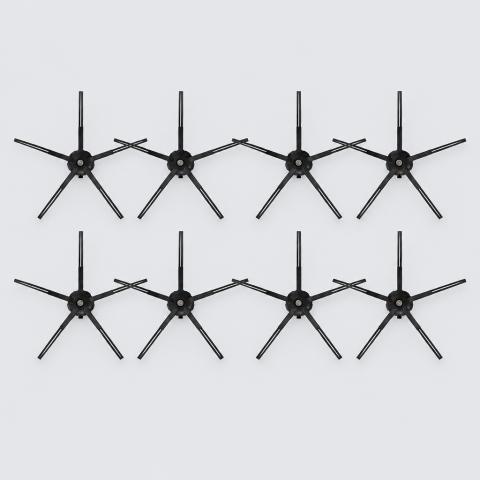
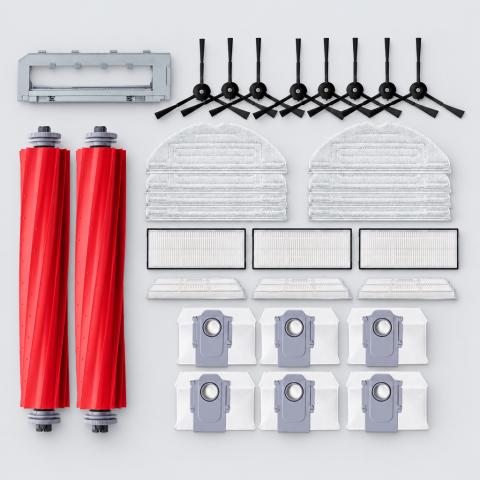
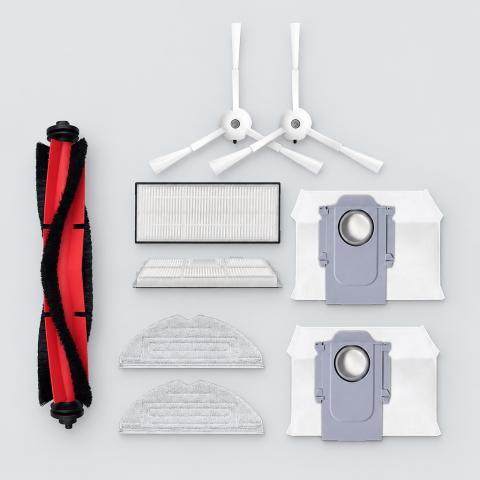
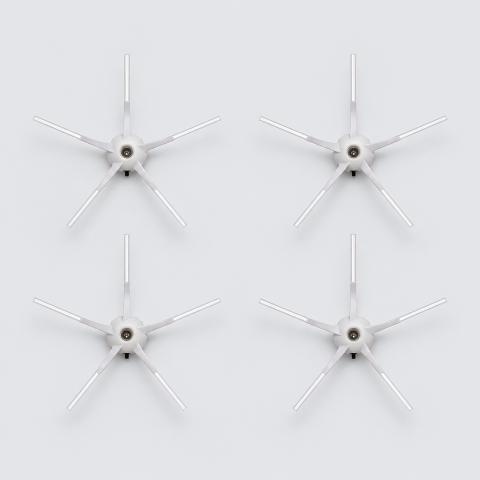
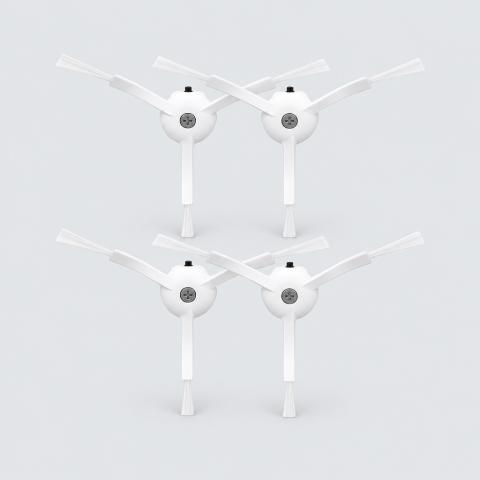
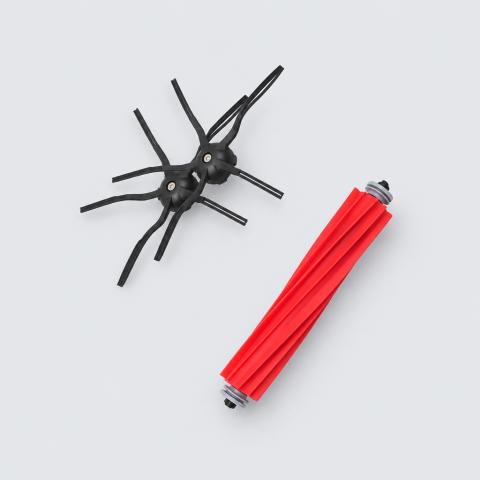
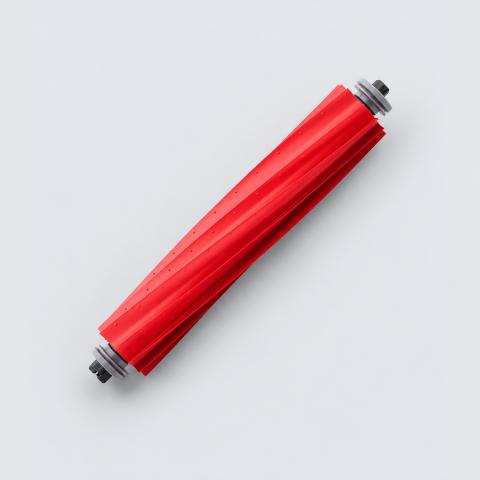
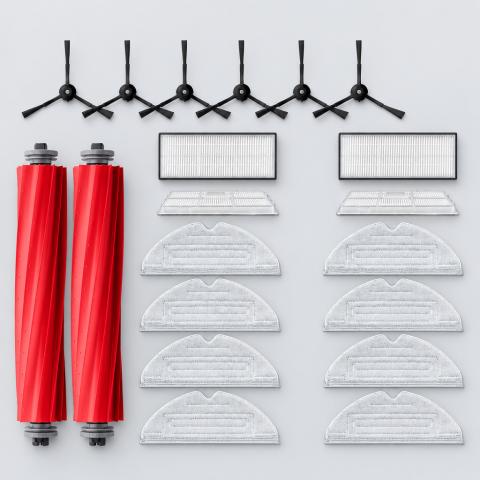
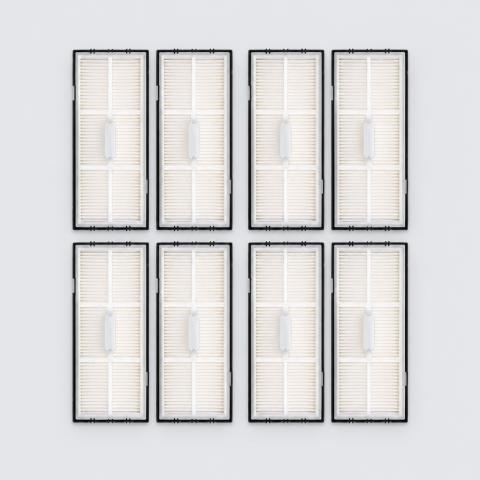
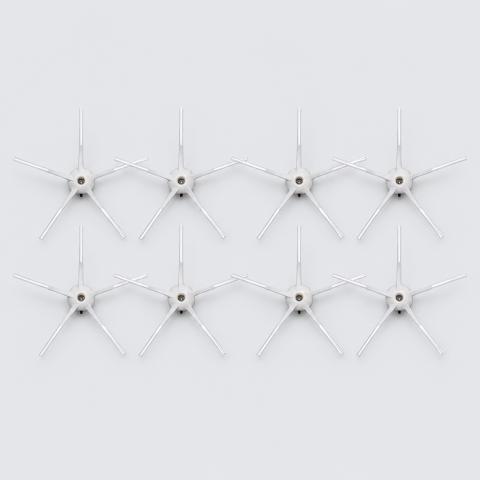
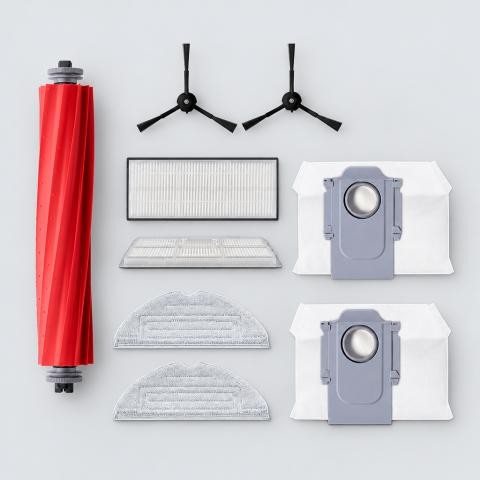
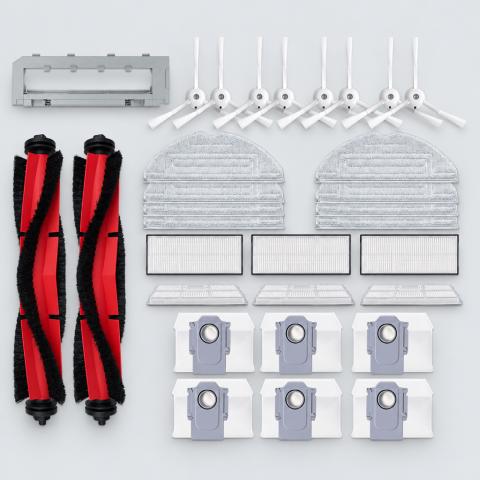
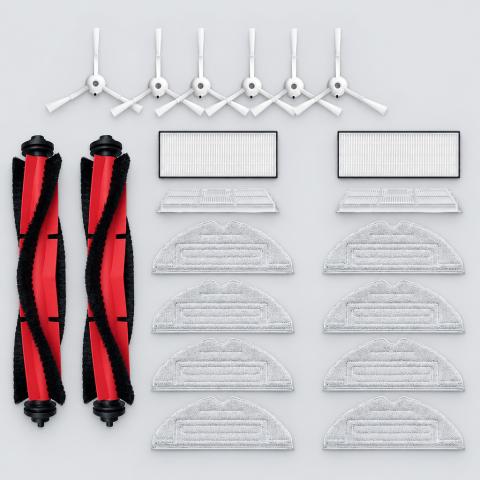
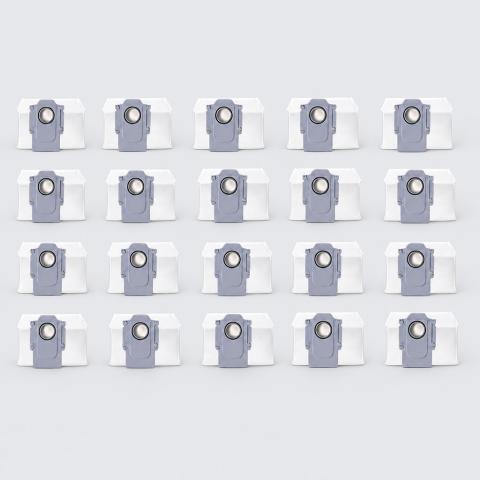
This replacement kit for Roborock robot vacuums includes a new main rolling brush, side brushes, and HEPA filters to maintain cleaning performance. The high-efficiency components are designed to capture dust and debris effectively on various floor types.
Key facts
- Part type
- Main Brush, Side Brush & Filter Kit
- Included
- 1 Kit
- Type
- Aftermarket replacement
Compatibility matrix
Only models verified by our team are listed| Parts for | Model | This part |
|---|---|---|
| Roborock | Roborock S7 Pro Ultra | Fits |
| Roborock S7 MaxV Ultra | Fits | |
| Roborock S7 MaxV | Fits |
Only the models listed above have a confirmed catalog fit. If yours is absent, compatibility is unknown, not ruled out. Compare the exact model identifier and any published dimensions or connectors before ordering.
Where to find your model number
- Roborock: Lift the top cover. The model label is beside the dustbin; also on the bottom of the robot.
General manufacturer guidance: exact label position can vary by model.
Main Brush, Side Brush & Filter Kit specifications
- Material
- Rubber, Silicone, Metal, Fabric, ABS Plastic, Plastic
- Part Type
- Filters / Brushes
Installation guide - Replacing a filter
General guidance for this part type - always follow your device manual- No tools required in most cases
- Do not wash a filter unless it is marked washable; wet HEPA media stops filtering.
- If the filter does not sit flush, stop and recheck the model on this page.
- 1Switch off and unplug. Power the device down and unplug it.
- 2Open the filter compartment. It is usually behind a front or back cover, or inside the dustbin on vacuums. Your manual shows the exact spot.
- 3Remove the old filter. Note how it sat, especially any airflow arrow or rubber seal facing the motor. Tap dust off into a bag outdoors.
- 4Fit the new filter. Take off all plastic wrap, seat it the same way round until it sits flush with its seal fully in contact, and never force it.
- 5Close and test. Close the cover, run the device and check for normal sound and airflow. Reset the filter reminder if your device has one.
Read the full guide: How to Replace an Air Purifier HEPA Filter →
This is general guidance for the part type, not a model-specific procedure. If the part does not fit without force, stop and recheck compatibility.
Maintenance check
Signs it's time to replace
- 01Bristles are bent, frayed or missing
- 02Robot leaves debris along edges and corners
- 03Brush does not spin or wobbles
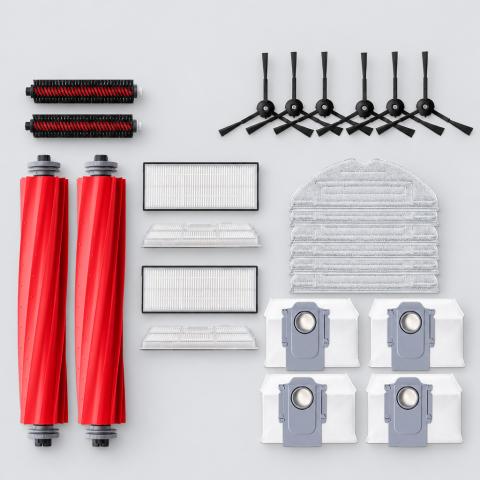
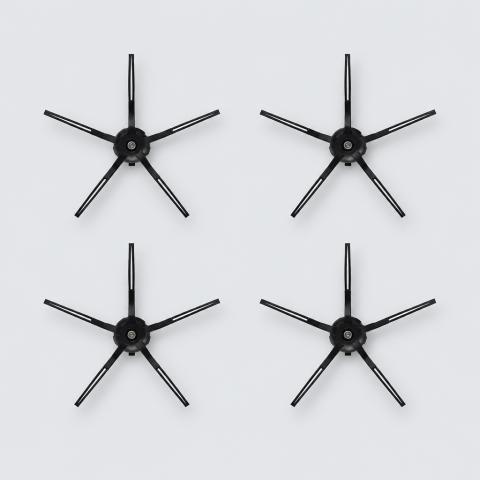
More parts for Roborock S7 MaxV Ultra
See all Roborock S7 MaxV Ultra parts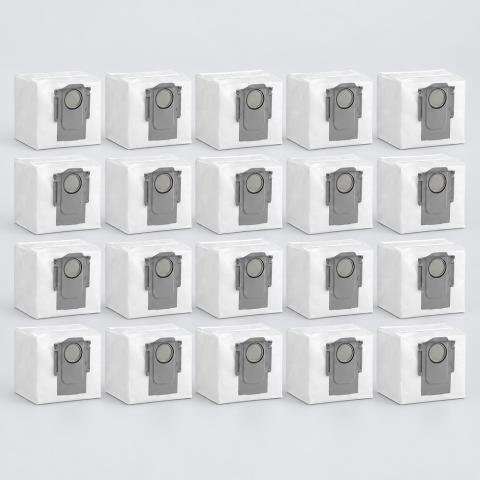
12 month warranty on every part
Every part we sell is covered for 12 months from delivery. If it fails in normal use, we replace it or refund you , claim it straight from your order page.
Customer reviews
No reviews yet
Bought this part? Be the first to share how it fit and how it held up.
Questions & answers
+Which models does this main brush, side brush & filter kit fit?
Our team verified it for Roborock S7 Pro Ultra, Roborock S7 MaxV Ultra, Roborock S7 MaxV. The full list is in the compatibility table above.
+How do I make sure it fits my exact model?
Find the model number on your device label and compare it with the table above. Our fit guarantee covers verified models.
+What's in the box?
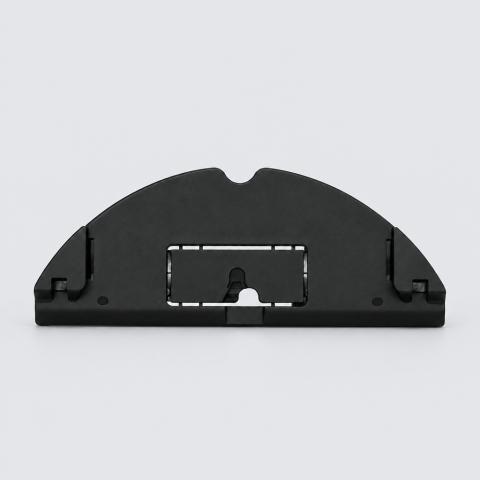
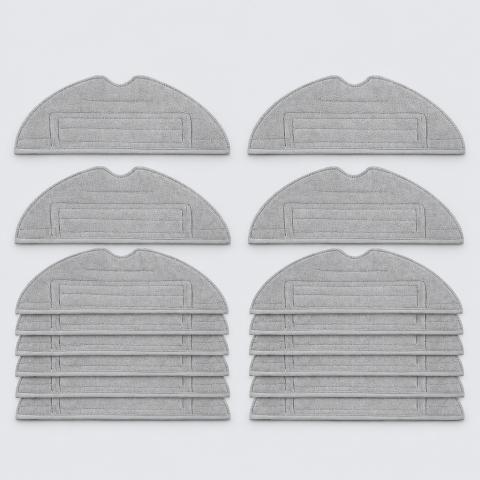
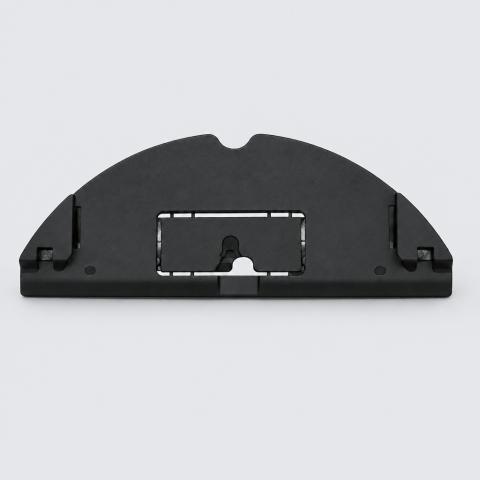
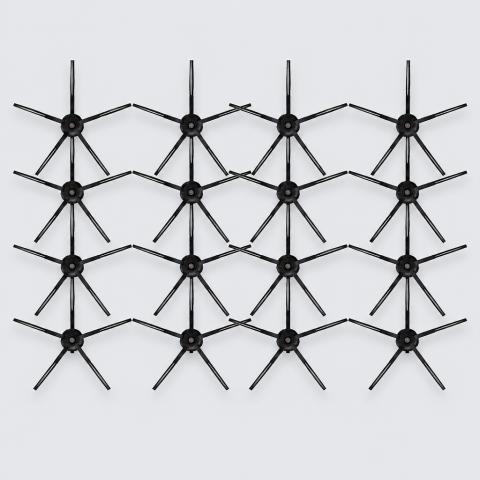
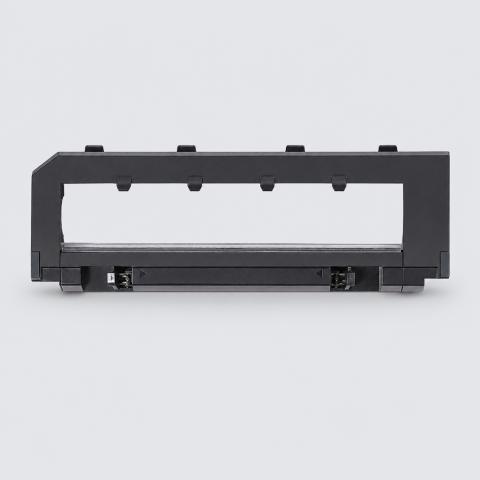
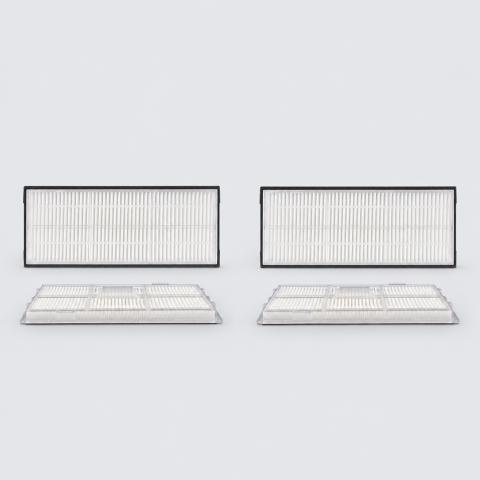
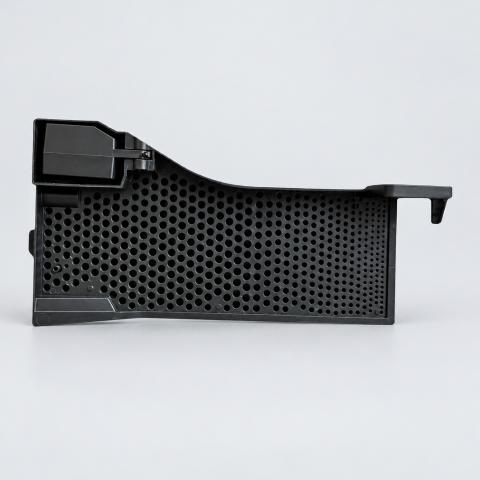
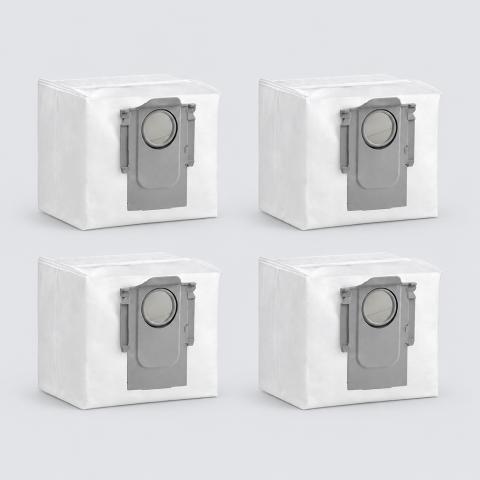
Pack size: 1 Kit, as listed for this part. Check the photos and specifications for the exact contents.
+What is the main brush, side brush & filter kit made of?
Listed material: Rubber, Silicone, Metal, Fabric, ABS Plastic, Plastic.
+Is it hard to install?
Install difficulty: Easy · no tools, a few minutes. Step by step instructions are on this page.
+How fast will it arrive?
US orders arrive in 7 to 15 business days with free shipping. Other countries are shown at checkout.
+Is there a warranty?
Yes, a 12-month warranty is included, and you can extend it at checkout. Returns are accepted within 30 days.