
LCD Display Screen Digitizer compatible with Nokia G22
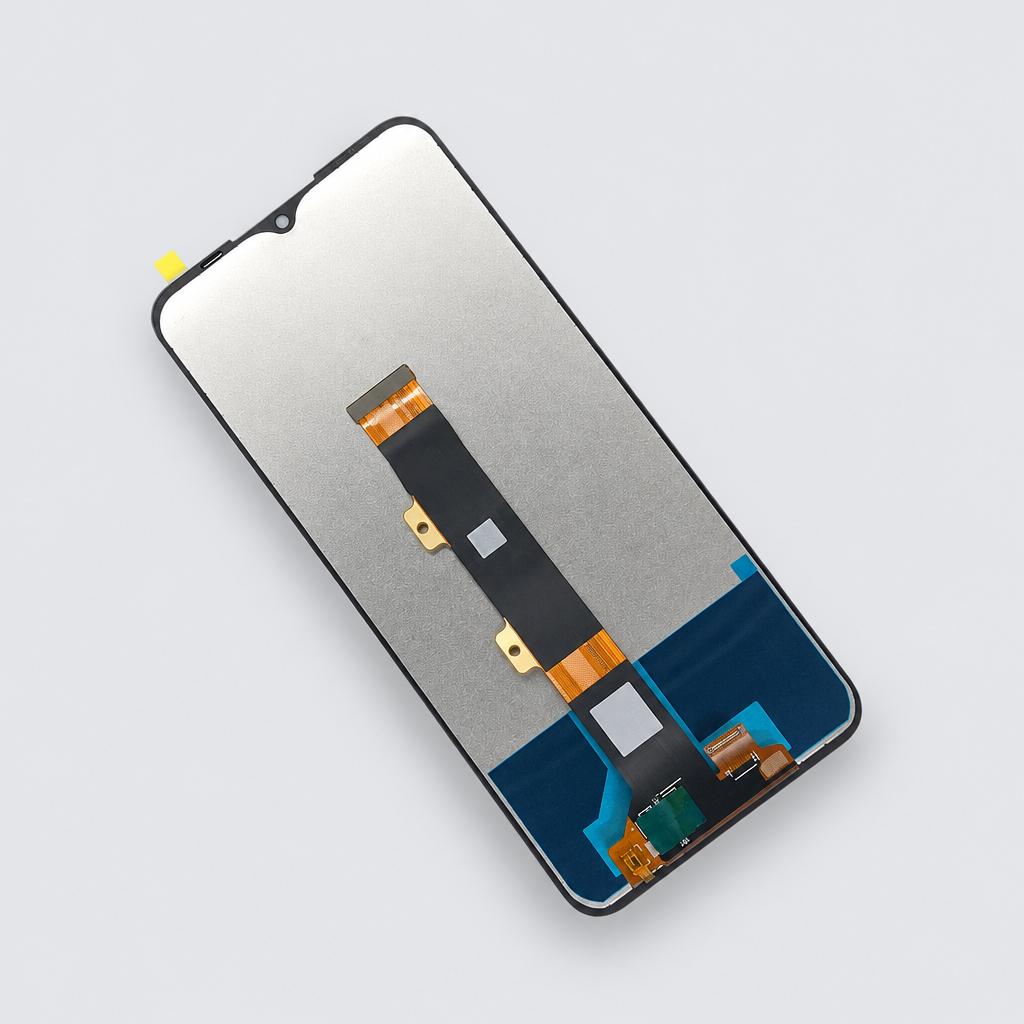
Restore your smartphone's display with this high-quality capacitive touch screen digitizer assembly. This replacement part features a glass material construction designed to fix cracked or unresponsive screens.
Key facts
- Part type
- LCD Screen Digitizer Assembly
- Type
- Aftermarket replacement
Compatibility matrix
Only models verified by our team are listed| Parts for | Model | This part |
|---|---|---|
| Nokia | Nokia G22 | Fits |
Only the models listed above have a confirmed catalog fit. If yours is absent, compatibility is unknown, not ruled out. Compare the exact model identifier and any published dimensions or connectors before ordering.
Where to find your model number
- Nokia: Usually on the rating label under or on the back of the device. Your owner's manual also lists the model number.
General manufacturer guidance: exact label position can vary by model.
LCD Screen Digitizer Assembly specifications
- Touch Screen Type
- Capacitive Screen
- Material
- Glass
Installation guide - Replacing a phone or tablet screen
General guidance for this part type - always follow your device manual- Suction cup and thin plastic opening picks
- Hair dryer or heat pad
- Precision screwdrivers (pentalobe for iPhone, small Phillips)
- Plastic spudger and tweezers
- New screen adhesive
- On recent iPhones a non-Apple screen shows an "Unknown Part" notice and True Tone may be unavailable; display and touch work normally.
- Lay screws out on paper in the order they came out. Phone and laptop screws differ in length, and a long screw in the wrong hole can damage the board underneath.
- If a thin display cable tears, the screen will not work; keep the opening pick shallow along the cable side.
- 1Prepare and open. Switch the device off and remove the SIM tray. iPhones open from the screen side after removing the two screws beside the charging port; most Android phones open from the back glass, and the display connector is reached from the inside. Heat the edge you open, lift with a suction cup and cut the adhesive with a shallow pick.
- 2Disconnect the battery first. Remove the bracket over the battery connector and lift it with a plastic spudger. Only then unplug the display and touch cables.
- 3Move parts from the old screen. Transfer anything attached to it that the new screen does not include, such as the earpiece speaker, the front sensor and camera bracket, the metal back plate or the home button. On iPhones with Face ID or Touch ID, these parts must move across intact or the feature stops working.
- 4Test before sealing. Connect the new screen and then the battery, power on and check touch across the whole surface, brightness, the front camera and the earpiece. Keep the protective film on until everything works.
- 5Seal and finish. Disconnect the battery again, apply the new adhesive, reconnect, close the device and press the edges down evenly.
This is general guidance for the part type, not a model-specific procedure. If the part does not fit without force, stop and recheck compatibility.
More parts for Nokia G22
See all Nokia G22 parts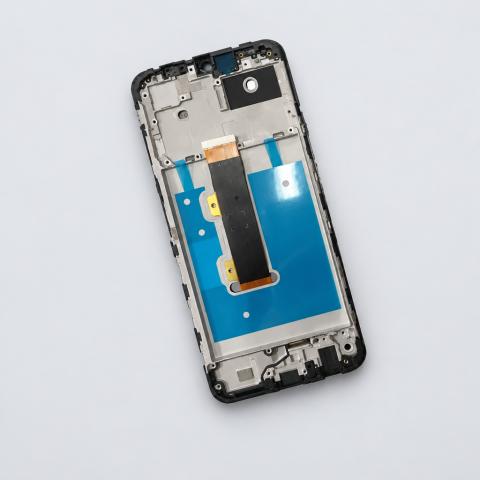
12 month warranty on every part
Every part we sell is covered for 12 months from delivery. If it fails in normal use, we replace it or refund you , claim it straight from your order page.
Customer reviews
No reviews yet
Bought this part? Be the first to share how it fit and how it held up.
Questions & answers
+Which models does this lcd screen digitizer assembly fit?
Our team verified it for Nokia G22. The full list is in the compatibility table above.
+How do I make sure it fits my exact model?
Find the model number on your device label and compare it with the table above. Our fit guarantee covers verified models.
+What is the lcd screen digitizer assembly made of?
Listed material: Glass.
+Is it hard to install?
Install difficulty: Advanced · mechanical experience needed. Step by step instructions are on this page.
+How fast will it arrive?
US orders arrive in 7 to 15 business days with free shipping. Other countries are shown at checkout.
+Is there a warranty?
Yes, a 12-month warranty is included, and you can extend it at checkout. Returns are accepted within 30 days.