
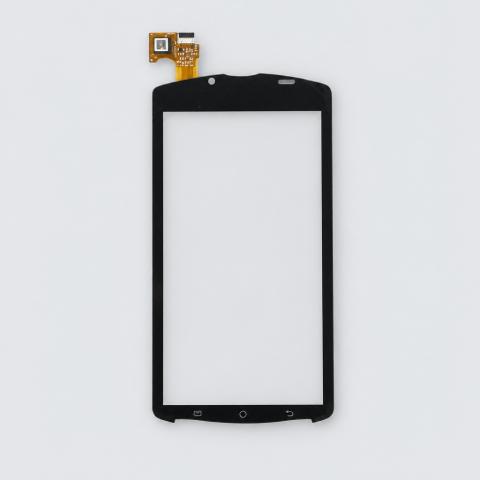
Housing Back Battery Cover and Front Frame compatible with Sony R800; Sony Ericsson R800, R800i, Xperia PLAY Z1i (White)
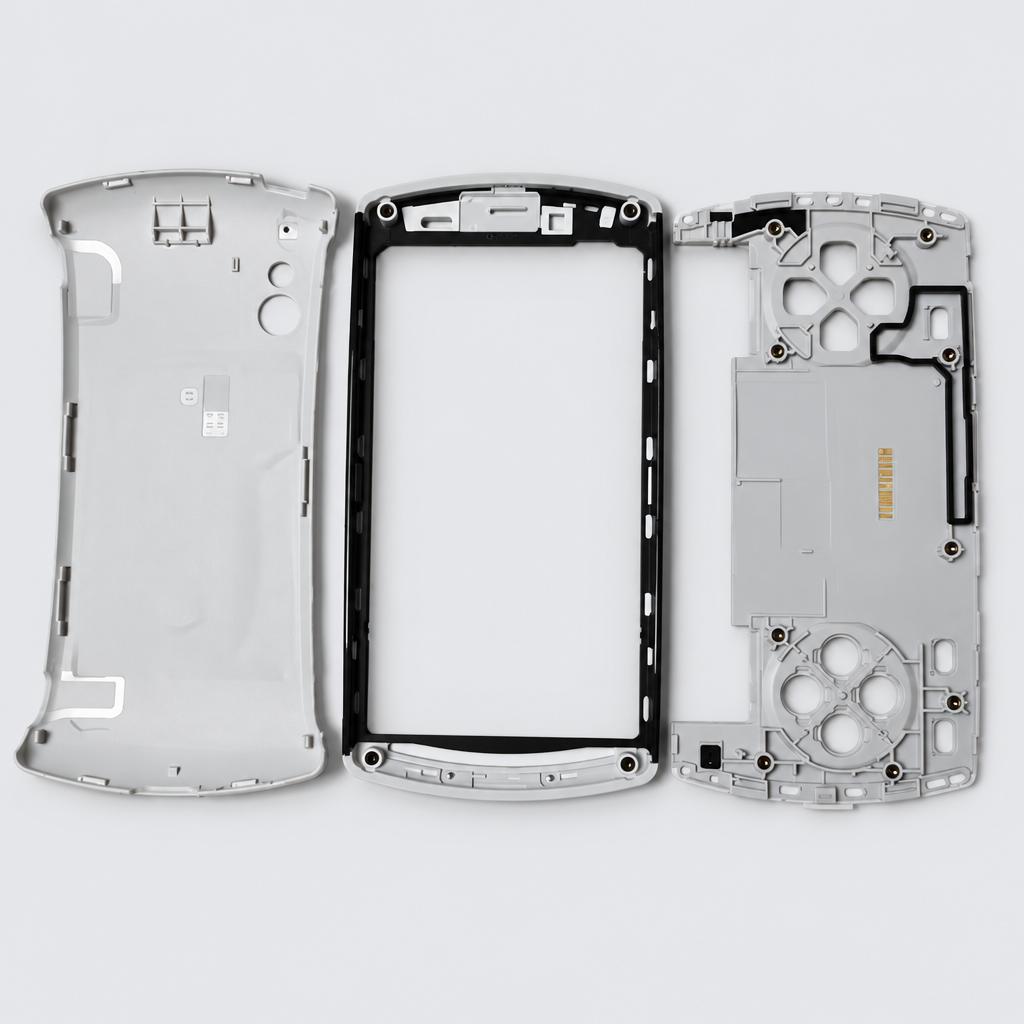
This replacement white housing kit includes the back battery cover and front frame. It serves as a direct replacement for damaged or worn exterior panels.
Key facts
- Part type
- Housing Back Battery Cover Front Frame
- Type
- Aftermarket replacement
Compatibility matrix
Only models verified by our team are listed| Parts for | Model | This part |
|---|---|---|
| Sony | Sony R800 | Fits |
| Sony Ericsson | Sony Ericsson Xperia PLAY Z1i | Fits |
| Sony Ericsson R800i | Fits | |
| Sony Ericsson R800 | Fits |
Only the models listed above have a confirmed catalog fit. If yours is absent, compatibility is unknown, not ruled out. Compare the exact model identifier and any published dimensions or connectors before ordering.
Where to find your model number
- Sony, Sony Ericsson: Usually on the rating label under or on the back of the device. Your owner's manual also lists the model number.
General manufacturer guidance: exact label position can vary by model.
Housing Back Battery Cover Front Frame specifications
- Color
- White
- Material
- Glass
- Design
- Bar
- Compatible Brand
- Sony Ericsson
Installation guide - Replacing a back cover
General guidance for this part type - always follow your device manual- Hair dryer or heat pad
- Suction cup and plastic opening picks
- New back adhesive
- Keep the pick shallow near the camera and the wireless charging coil under the glass.
- 1Prepare. Switch the device off. If the cover clips off by hand (older and classic phones), simply unclip it and skip to the last step.
- 2Remove the glued cover. Heat the edges well, lift a corner with the suction cup and slice the adhesive slowly all the way round. Cracked glass: cover it with packing tape first so it lifts in one piece.
- 3Move any parts across. Transfer the camera lens ring, flash diffuser or flex cables attached to the old cover if the new one has none.
- 4Clean the frame. Remove all old adhesive and glass dust so the new cover sits flat.
- 5Fit the new cover. Apply new adhesive, press the cover on and hold it down evenly while the adhesive bonds.
This is general guidance for the part type, not a model-specific procedure. If the part does not fit without force, stop and recheck compatibility.
Maintenance check
Signs it's time to replace
- 01Much shorter run time per charge
- 02Device will not hold a charge or shuts off early
- 03Battery gets unusually hot
- 04Swelling or leaking (stop using it)
More parts for Sony R800
See all Sony R800 parts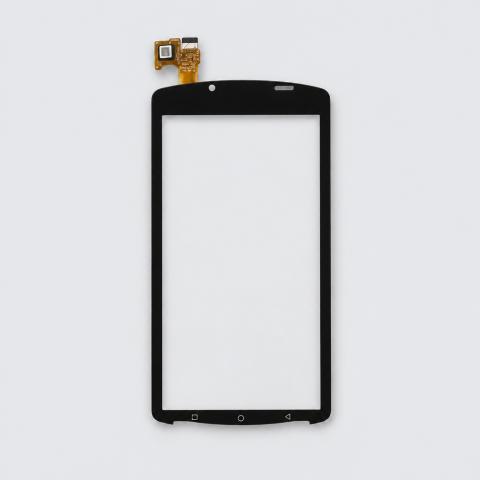 FP-6FE7BA×1
More parts for Sony Ericsson R800
See all Sony Ericsson R800 parts FP-350959
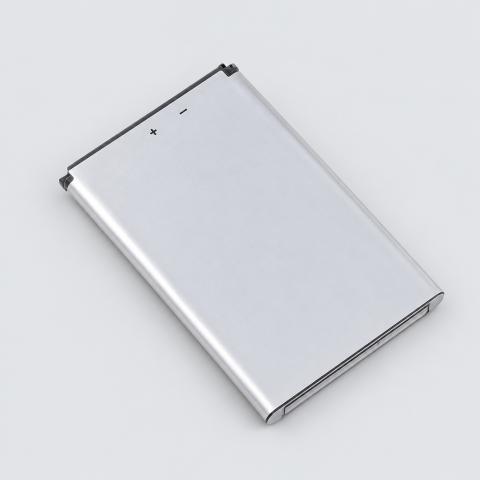 FP-3D0C33×2
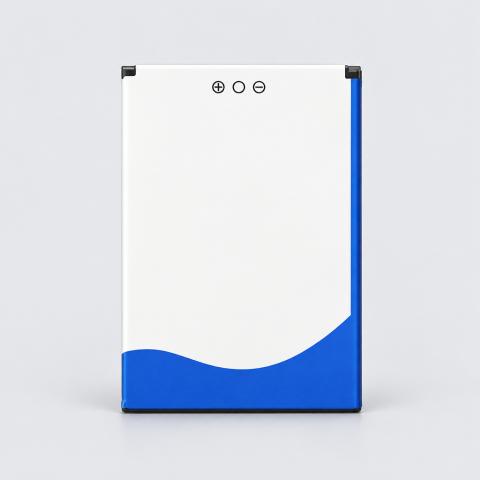
12 month warranty on every part
Every part we sell is covered for 12 months from delivery. If it fails in normal use, we replace it or refund you , claim it straight from your order page.
Customer reviews
No reviews yet
Bought this part? Be the first to share how it fit and how it held up.
Questions & answers
+Which models does this housing back battery cover front frame fit?
Our team verified it for Sony R800, Sony Ericsson Xperia PLAY Z1i, Sony Ericsson R800i, Sony Ericsson R800. The full list is in the compatibility table above.
+How do I make sure it fits my exact model?
Find the model number on your device label and compare it with the table above. Our fit guarantee covers verified models.
+What is the housing back battery cover front frame made of?
Listed material: Glass.
+Is it hard to install?
Install difficulty: Easy · no tools, a few minutes. Step by step instructions are on this page.
+How fast will it arrive?
US orders arrive in 7 to 15 business days with free shipping. Other countries are shown at checkout.
+Is there a warranty?
Yes, a 12-month warranty is included, and you can extend it at checkout. Returns are accepted within 30 days.