
Battery compatible with Apple iPod Classic 4th Gen
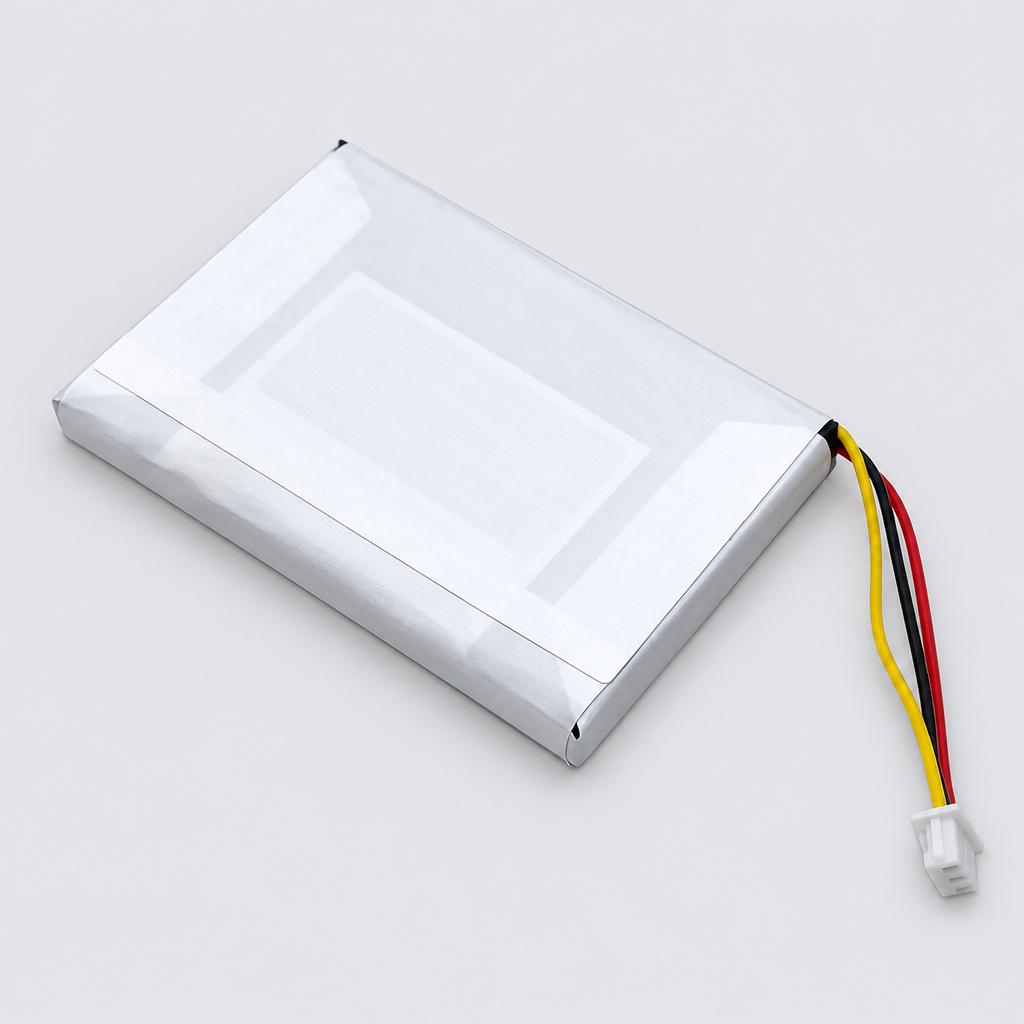
A brand-new 1000mAh rechargeable replacement battery. This standard battery is designed to restore power to your portable media player.
Key facts
- Part type
- Battery
- Type
- Aftermarket replacement
Compatibility matrix
Only models verified by our team are listed| Parts for | Model | This part |
|---|---|---|
| Apple | Apple iPod Classic 4th Gen4th Gen | Fits |
Only the models listed above have a confirmed catalog fit. If yours is absent, compatibility is unknown, not ruled out. Compare the exact model identifier and any published dimensions or connectors before ordering.
Where to find your model number
- Apple: Usually on the rating label under or on the back of the device. Your owner's manual also lists the model number.
General manufacturer guidance: exact label position can vary by model.
Battery specifications
- Capacity
- 1000mAh
- Certification
- UL, CE
Installation guide - Replacing a battery
General guidance for this part type - always follow your device manual- Small screwdriver, only if the battery cover is screwed shut
- Match the voltage and battery code printed on the old battery.
- If the device does not power on, reseat the plug before assuming a fault.
- If the old battery is swollen, do not press, bend or puncture it. Tape over its contacts and take it to a battery recycling point; never put it in household trash.
- 1Switch off and unplug. Turn the device off (robot vacuums: switch off the main power switch) and disconnect the charger.
- 2Open the battery compartment. Most use a sliding door, a latch, or a cover with two small screws on the underside. Battery packs on tools and vacuums slide out after pressing the release button.
- 3Remove the old battery. Lift it out by its tab. If it has a plug, squeeze the plug's latch and pull the plug body, never the wires.
- 4Fit the new battery. Place it the same way round, push the plug in until it clicks and make sure the battery sits flat without pinching wires.
- 5Close and charge. Refit the cover and charge to full before first use.
This is general guidance for the part type, not a model-specific procedure. If the part does not fit without force, stop and recheck compatibility.
Maintenance check
Signs it's time to replace
- 01Much shorter run time per charge
- 02Device will not hold a charge or shuts off early
- 03Battery gets unusually hot
- 04Swelling or leaking (stop using it)
12 month warranty on every part
Every part we sell is covered for 12 months from delivery. If it fails in normal use, we replace it or refund you , claim it straight from your order page.
Customer reviews
No reviews yet
Bought this part? Be the first to share how it fit and how it held up.
Questions & answers
+Which models does this battery fit?
Our team verified it for Apple iPod Classic 4th Gen. The full list is in the compatibility table above.
+How do I make sure it fits my exact model?
Find the model number on your device label and compare it with the table above. Our fit guarantee covers verified models.
+What is the battery capacity?
Listed capacity: 1000mAh. A capacity that differs from your original changes run time, not fit.
+Does it have any certifications?
Listed certification: UL, CE, as stated by the manufacturer.
+Is it hard to install?
Install difficulty: Moderate · basic hand tools. Step by step instructions are on this page.
+How fast will it arrive?
US orders arrive in 7 to 15 business days with free shipping. Other countries are shown at checkout.
+Is there a warranty?
Yes, a 12-month warranty is included, and you can extend it at checkout. Returns are accepted within 30 days.